All templates
YouTube thumbnail background
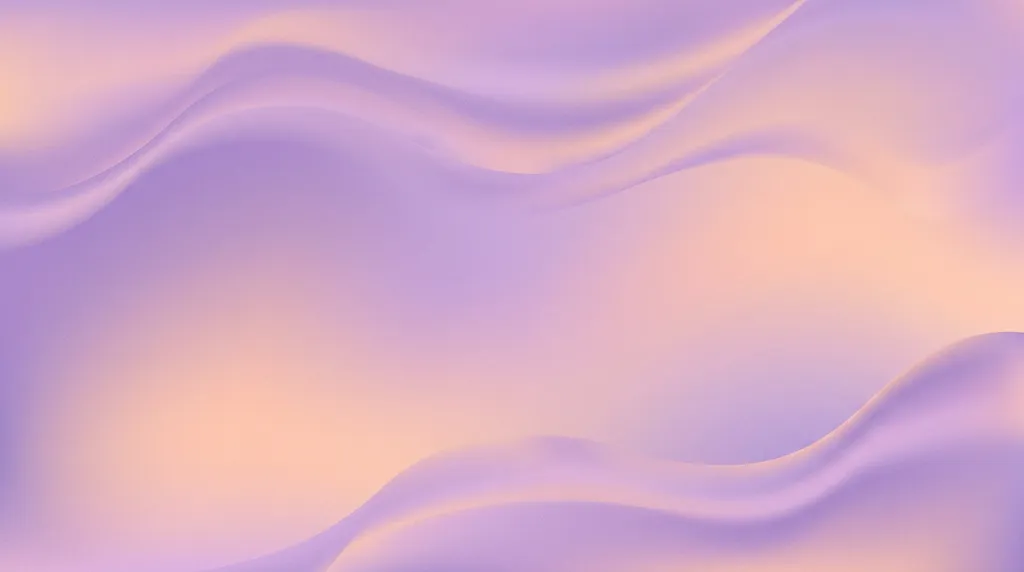
A punchy themed backdrop for thumbnails. The left side stays empty so you can drop in your own cutout photo and big title in your editor.
- No photo neededMade from the description
- On-brandAdd your brand kit
- VariationsRegenerate any image
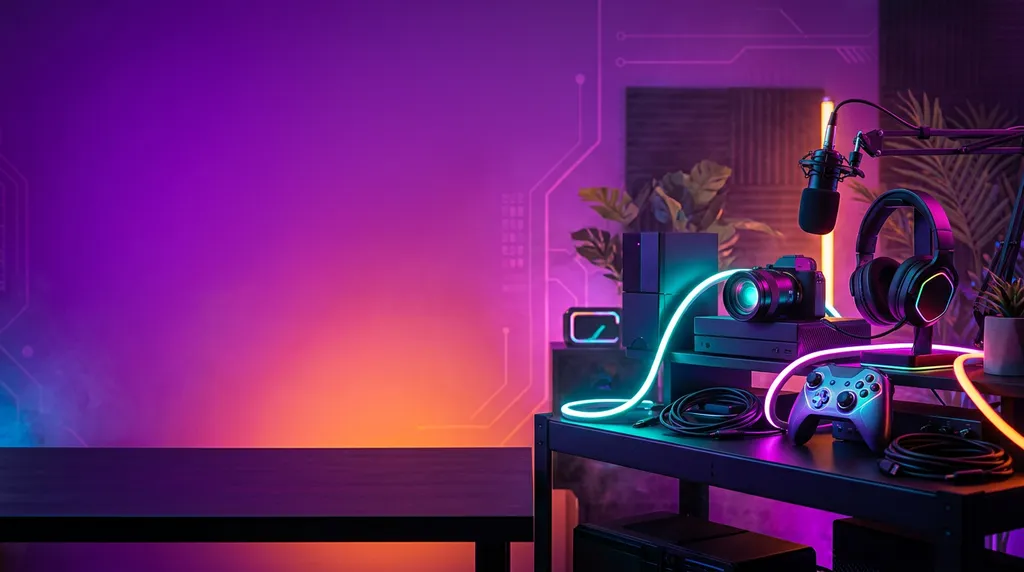
Starter scene
“Vibrant [tech review] themed studio backdrop: a bold purple-to-orange gradient wall with glowing props grouped on the right, a large empty area on the left half for a cutout photo and title, high-contrast punchy lighting, no people.”
Studio opens with this filled in. Change any word before you generate.
- Format: YouTube thumbnail, 16:9
- Best for: Creators & Media
- Category: Creator & Influencer Studio
- No photo needed
Tips for best results
- Put your video's topic in the brackets: cooking, travel, finance, gaming.
- Cut out your own photo in your editor and place it on the empty side.
- Keep titles to three or four words; thumbnails are viewed tiny.
What it does well
- Themed high-contrast backdrop
- Empty side for you and a title
- 16:9 YouTube size
What it can't do
- Put your face or a real person in the image
- Write the thumbnail title
Related templates
View all templates

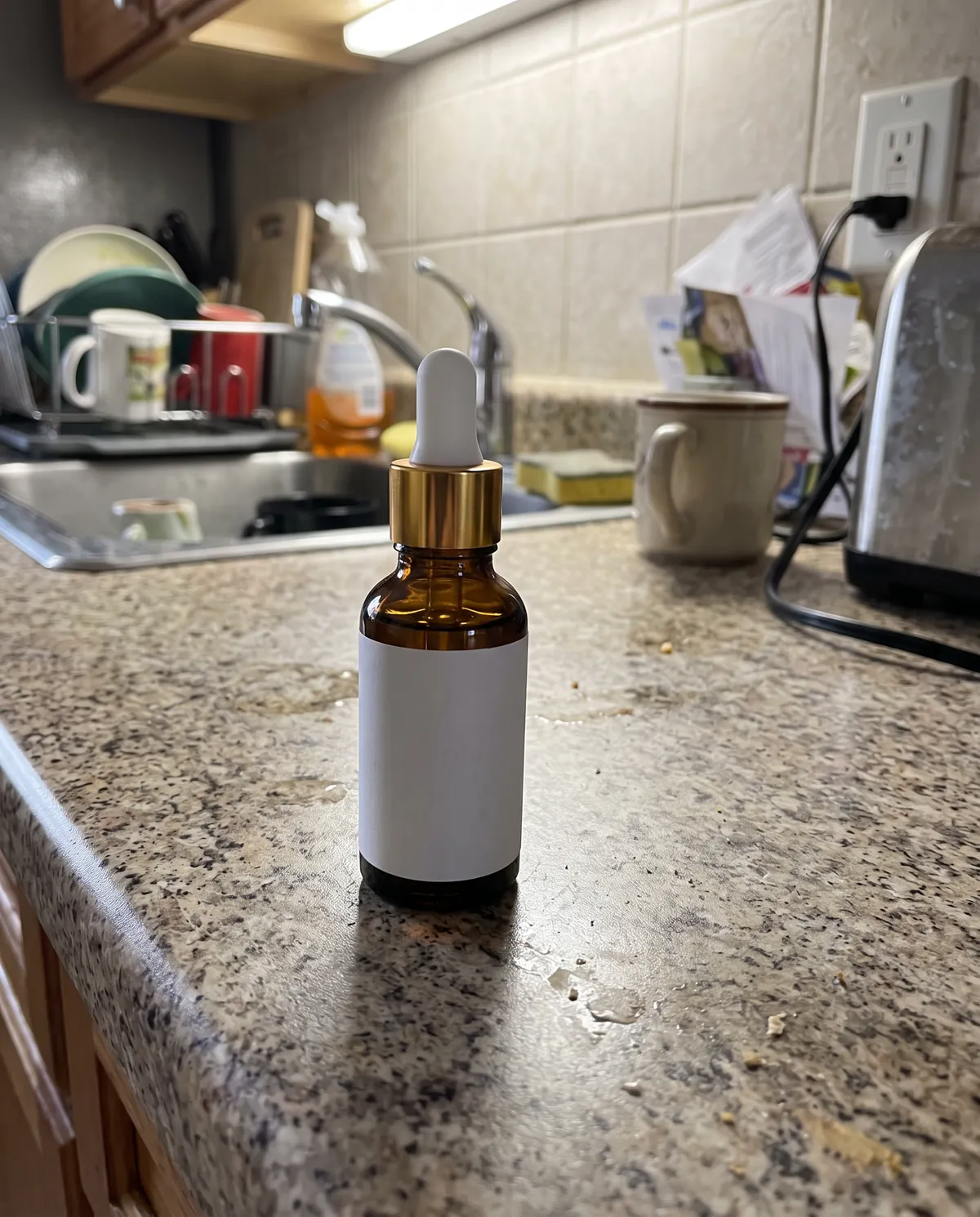
Create product photos like this
Start from this scene with your own product. Free credits when you sign up, no card needed.