All templates
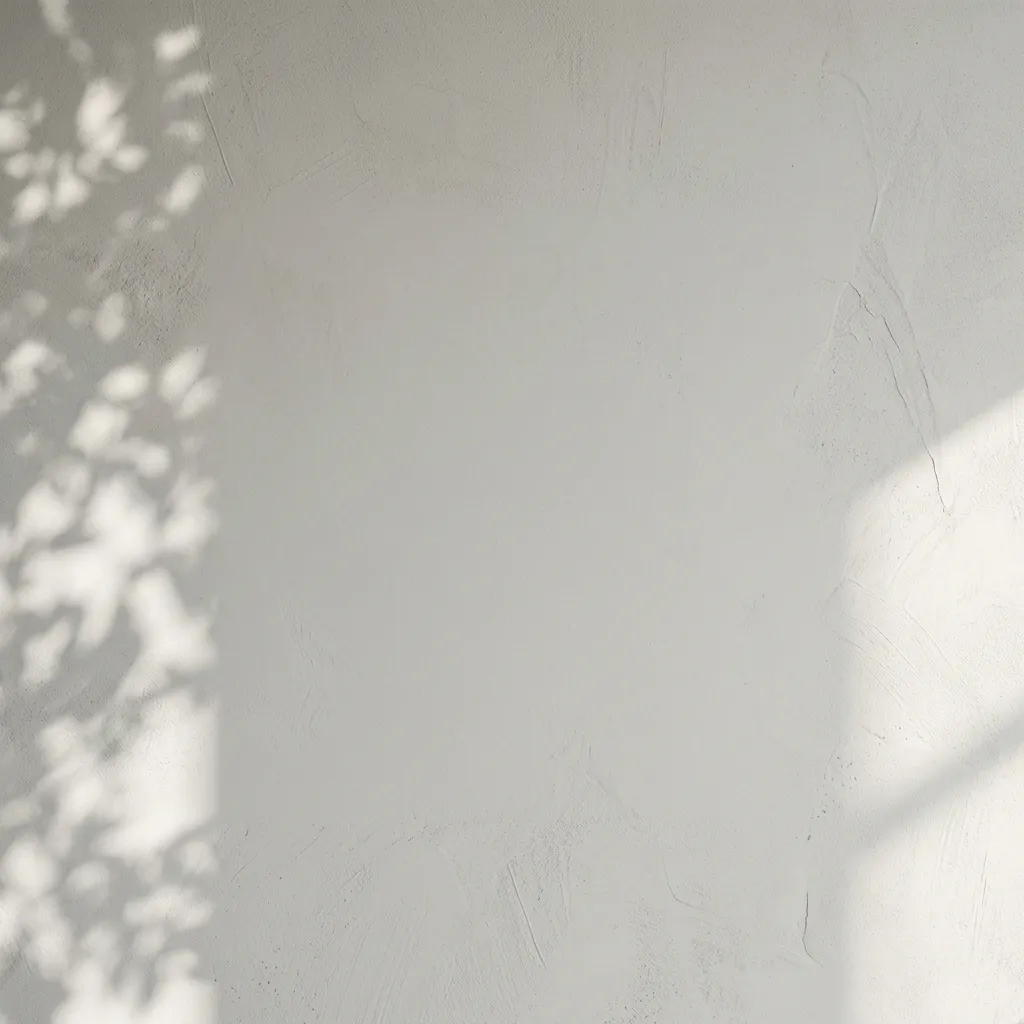
Blank wall for a logo mockup
A matte plaster wall with leaf shadows and a clean centre. Place your own logo on it in your design tool for a premium signage-style preview.
- No photo neededMade from the description
- On-brandAdd your brand kit
- VariationsRegenerate any image
Starter scene
“Blank logo mockup surface: a smooth matte [light grey] textured plaster wall with a clean empty area in the centre, soft diagonal window light and gentle leaf shadows across the left edge, subtle depth and realistic texture, ready for a logo to be placed in the middle. Minimal, premium, completely blank.”
Studio opens with this filled in. Change any word before you generate.
- Format: LinkedIn post, 1:1
- Best for: Any industry
- Category: Branding & Graphic Design
- No photo needed
Tips for best results
- Swap the bracket for 'warm beige', 'concrete' or 'oak wood panel'.
- Overlay your logo with a 'multiply' blend so it sits in the texture.
- Great for launch announcements and portfolio covers.
What it does well
- Blank surfaces for your logo
- Different materials and light
- Square social posts
What it can't do
- It cannot place or redraw your logo in the image
- It cannot create a logo for you
Related templates
View all templates

Create product photos like this
Start from this scene with your own product. Free credits when you sign up, no card needed.