All templates
Infographic-ready product layout
Your product sits in the left third on a plain backdrop, leaving the rest empty for feature callouts, icons and arrows you add afterwards.
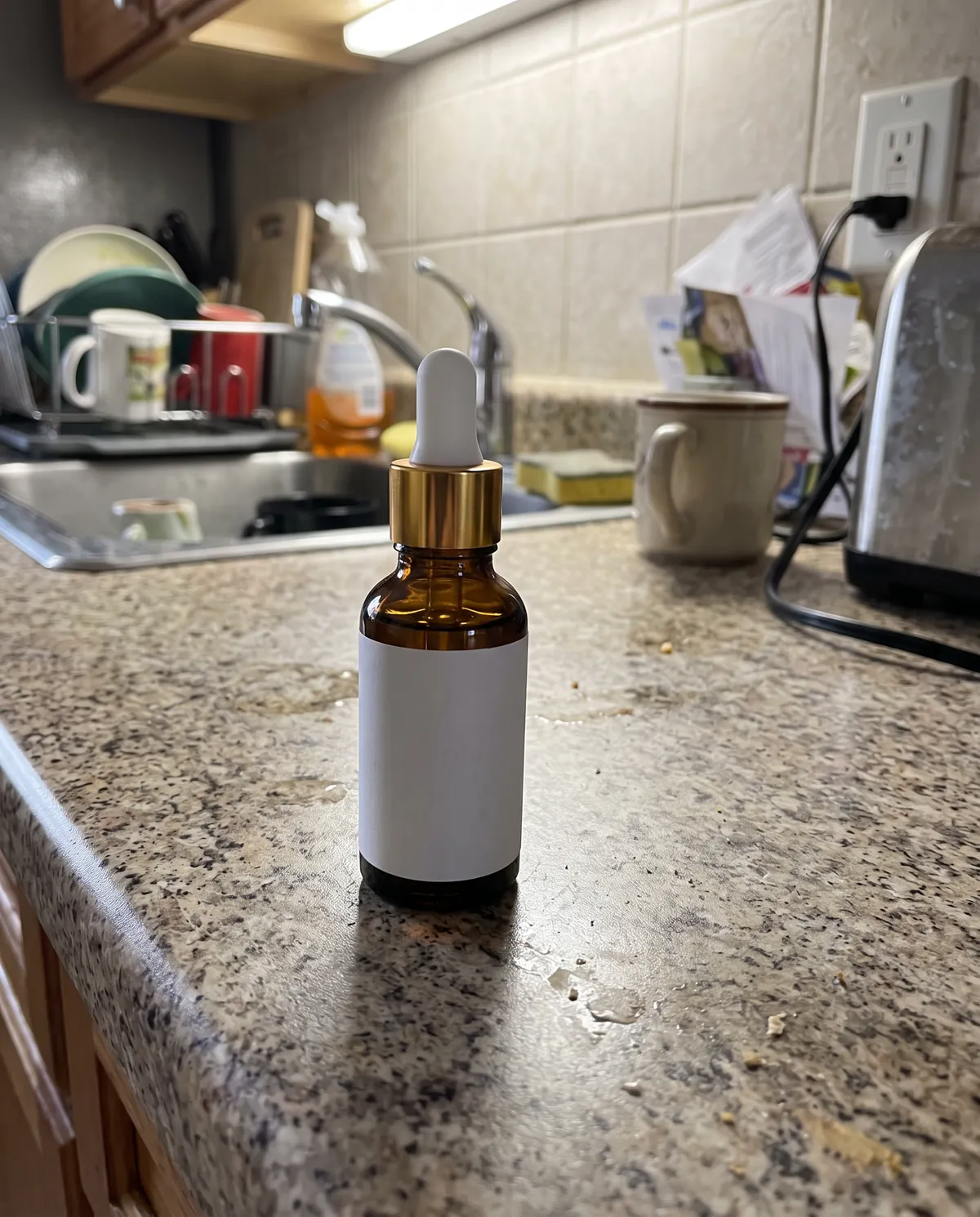
- Your real productYour photo is the reference
- On-brandAdd your brand kit
- VariationsRegenerate any image
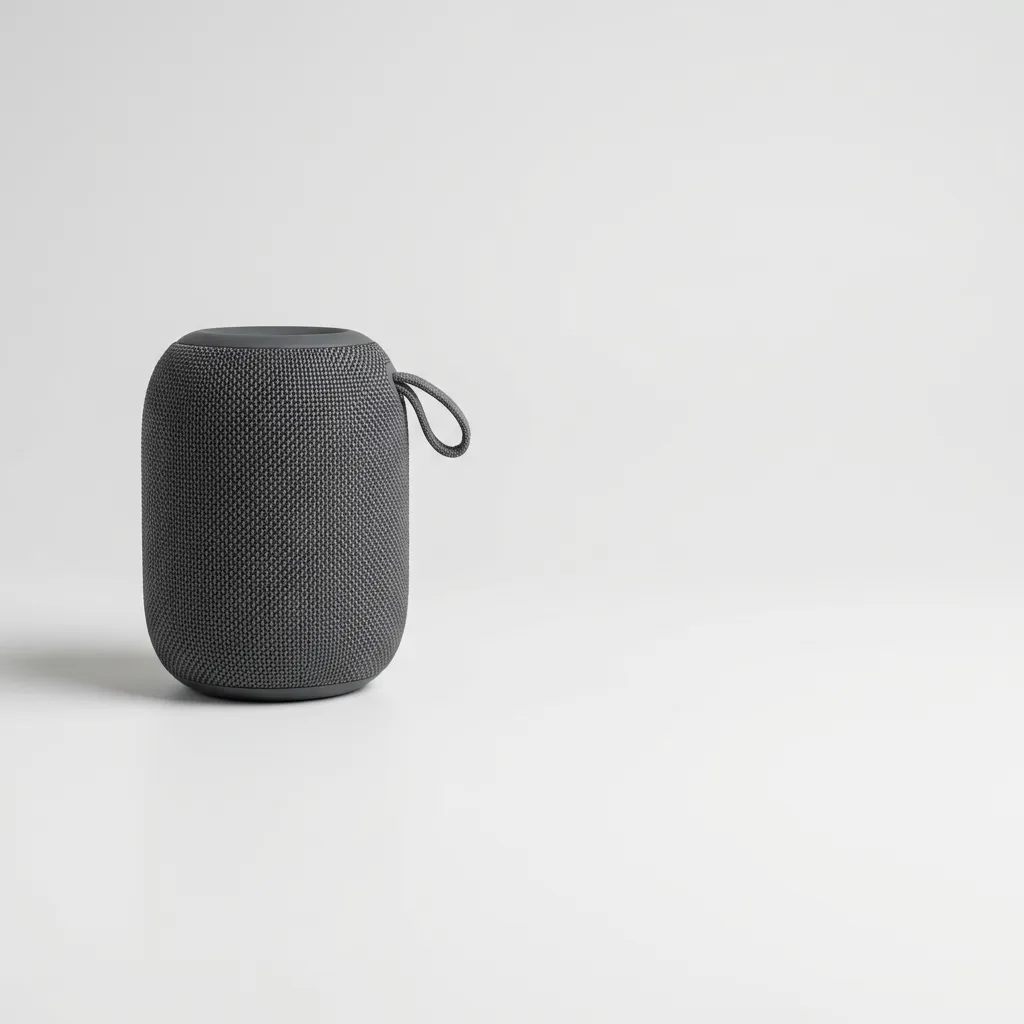
Starter scene
“Your product placed in the left third of the frame on a very light grey seamless background, soft studio lighting with a gentle shadow. The right two thirds of the image left as clean, plain empty space for feature callouts.”
Studio opens with this filled in. Change any word before you generate.
- Format: Amazon / Flipkart listing, 1:1
- Best for: Any industry
- Category: Product & E-commerce
- Starts from your product photo
Tips for best results
- Add feature text and icons in Canva or Figma once the image is ready.
- Ask for the product on the right if your callouts read better on the left.
- Keep 3 to 5 short callouts so the image stays readable on a phone.
What it does well
- Product placed off-centre
- Large clean area for callouts
- Neutral backdrop
What it can't do
- Write feature text, icons or arrows into the image
Related templates
View all templates



Create product photos like this
Start from this scene with your own product. Free credits when you sign up, no card needed.